Everyday protection for the screen you work with.
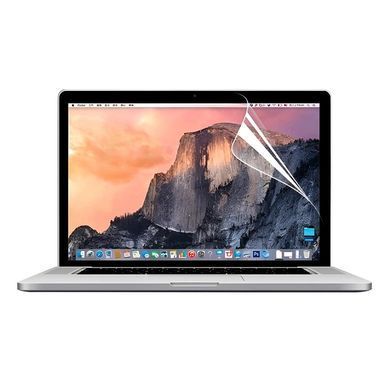
WIWU Screen Protector for MacBook Pro 14.2″ adds a clear protective layer to the display. Everyday surface marks are taken by a replaceable film, helping keep your screen looking cared for at work, during study and on the move.
Advantages
- Clear appearance. Use the screen without the darkening effect of a privacy filter.
- Everyday surface protection. Helps reduce minor scratches and scuffs on the display surface.
- Thin format. A lightweight protective layer without a rigid glass panel.
- Model-specific fit. Choose the film by MacBook screen size, generation and model code.
Specifications and compatibility
| Brand |
WIWU |
| Series |
Screen Protector |
| Type |
Protective film |
| Application |
Laptop display |
| Screen size |
14.2″ |
| Generations |
M1 / M2 / M3 / M4 / M5 |
| Model years |
2021–2026 |
| MacBook model codes |
A2442, A2779, A2918, A2992, A3112, A3185, A3401, A3434, A3426, A3427 |
| Appearance |
Clear |
| Installation |
Adhesive application to a clean display |
How to apply
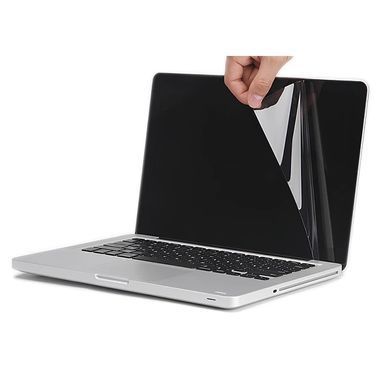
- Switch off your MacBook, then clean and dry the display with a soft cloth.
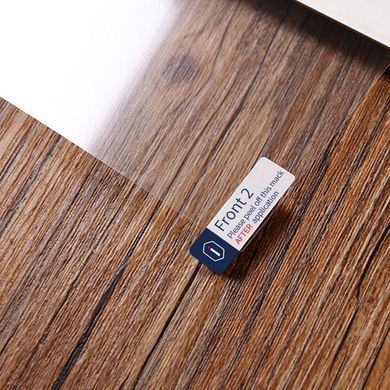
- Remove dust and check the film against the display before peeling off the protective layer.
- Align the edges and camera area, apply gradually and gently smooth air towards the edges.
Before purchase
This version does not fit MacBook Pro 13.3″, 15.4″ or 16.2″. The Axxxx model code is printed on the bottom of the laptop. Compatibility with nano-texture displays needs separate confirmation. Photos illustrate the film type and application method; the shape and dimensions depend on the selected model.
Frequently asked questions
How do I check compatibility?
Match MacBook Pro 14.2″ and the code on the bottom of your laptop: A2442, A2779, A2918, A2992, A3112, A3185, A3401, A3434, A3426, A3427.
Is this film or tempered glass?
It is a thin, flexible film designed primarily to help protect the surface from minor scratches and scuffs.
Does it provide privacy protection?
No. This clear film does not conceal the screen from people looking from the side.
Can I apply it myself?
Yes, with careful dust removal and alignment. Avoid pressing firmly on the display during application.
Does it protect against drops or impacts?
The film is not impact protection for the display. Its purpose is to reduce everyday surface wear.